You haven't signed in yet, you can have a better experience after signing in
*Please complete the payment within {{receiveCouponInfo.expire_at}}Previous use*
You haven't signed in yet, you can have a better experience after signing in



Activity Rules
1、Activity time:{{ info.groupon.start_at }} ~ {{ info.groupon.end_at }}。
1、Activity time:cease when sold out。
2、Validity period of the Group Buying:{{ info.groupon.expire_days * 24 }} hours。
3、Number of Group Buying:{{ info.groupon.need_count }}x。
Please Pay Attention
1、Teamwork process: Join/initiate a Group Buying and make a successful payment - Within the validity period, the number of team members meets the activity requirements - Group Buying succeeded!
2、If the number of participants cannot be met within the valid period, the group will fail, and the paid amount will be refunded in the original way.
3、The number of people required and the time of the event may vary among different products. Please pay attention to the rules of the event.
IObit MacBooster 8, a system cleanup, optimization, and antivirus software for Mac
Enjoy a faster and safer Mac with MacBooster 8
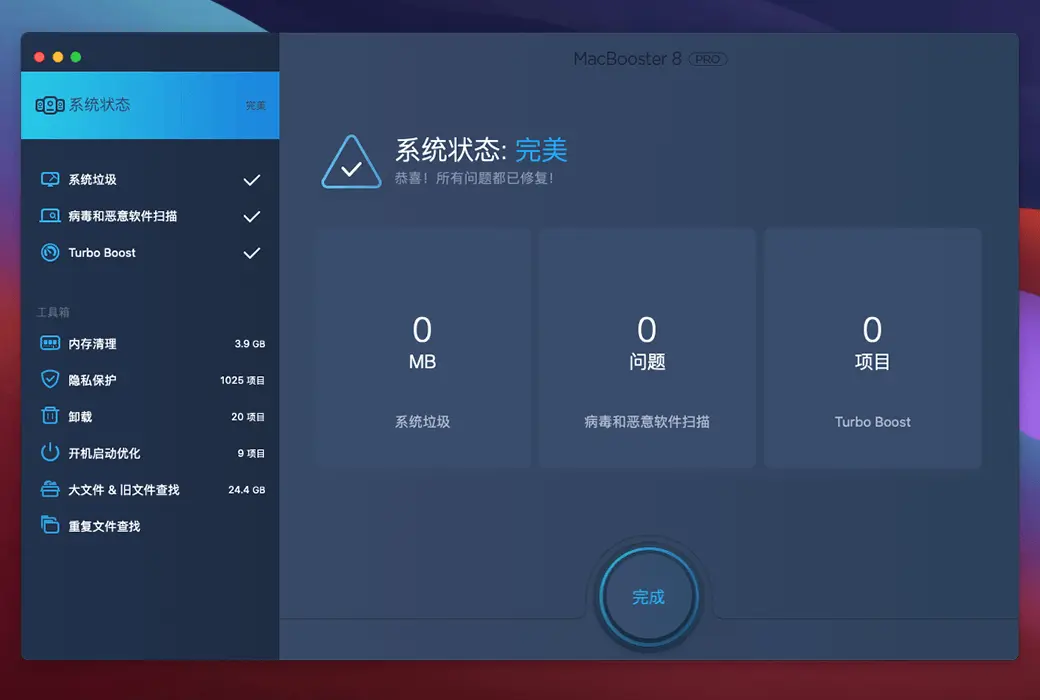
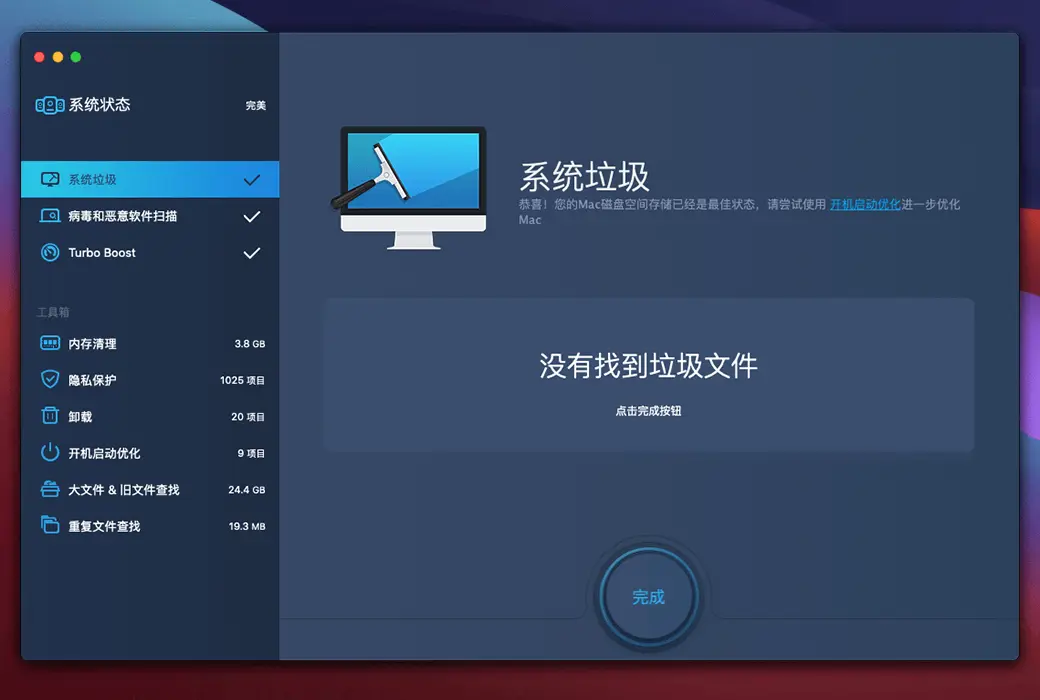
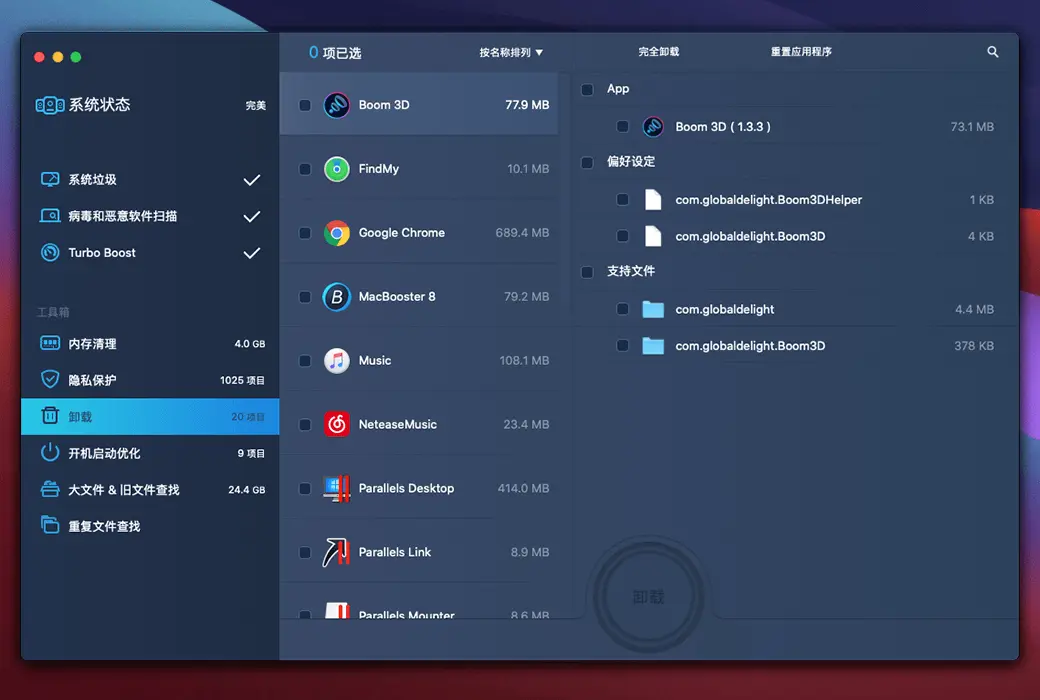
Your one-stop Mac maintenance tool to clean up 20 types of junk files and remove Mac malware and viruses to protect your Mac. In addition, MacBooster can optimize Mac hard drives to improve your Mac to optimal performance.
What can MacBooster 8 do for you?
Delete all types of junk files to free up more space for your Mac
By optimizing Mac hard drives, improve Mac performance to its best.
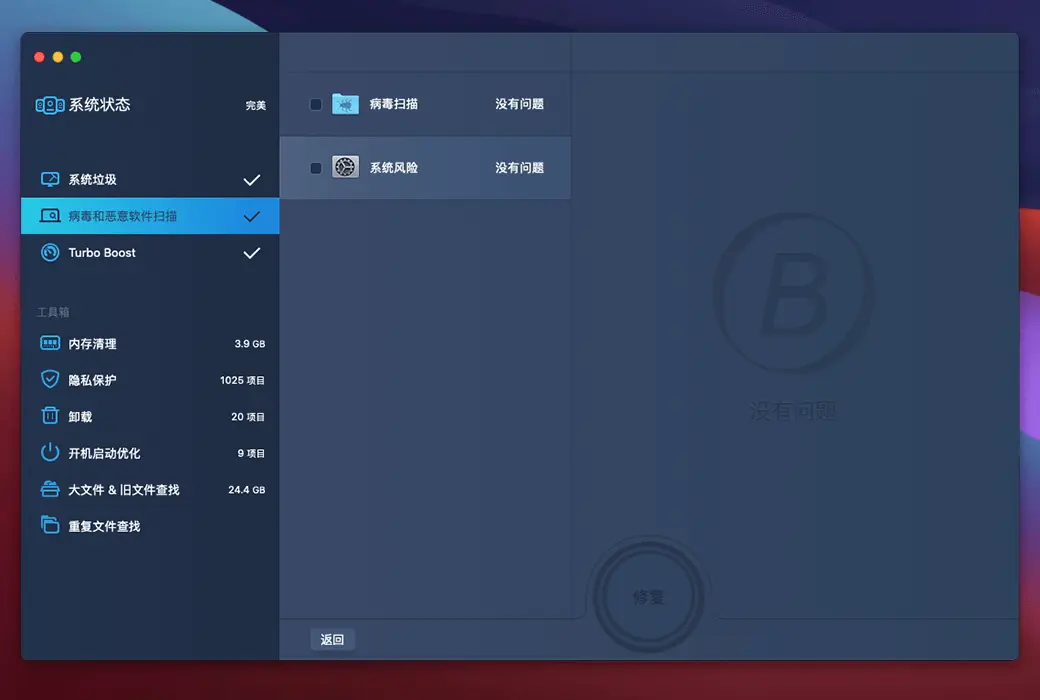
Keep your Mac away from all potential threats such as viruses, spyware, malware, and adware.
MacBooster 8 scans every corner of Mac
With the help of five cleaning tools, MacBooster can help remove gigabytes of junk files from Mac. Release your Mac hard drive and provide you with more space to run your Mac smoothly. This is particularly useful for Mac users with smaller SSD hard drives.
With just one click, MacBooster can scan and delete over 20 types of junk files. Thoroughly clean up your Mac and regain more space.
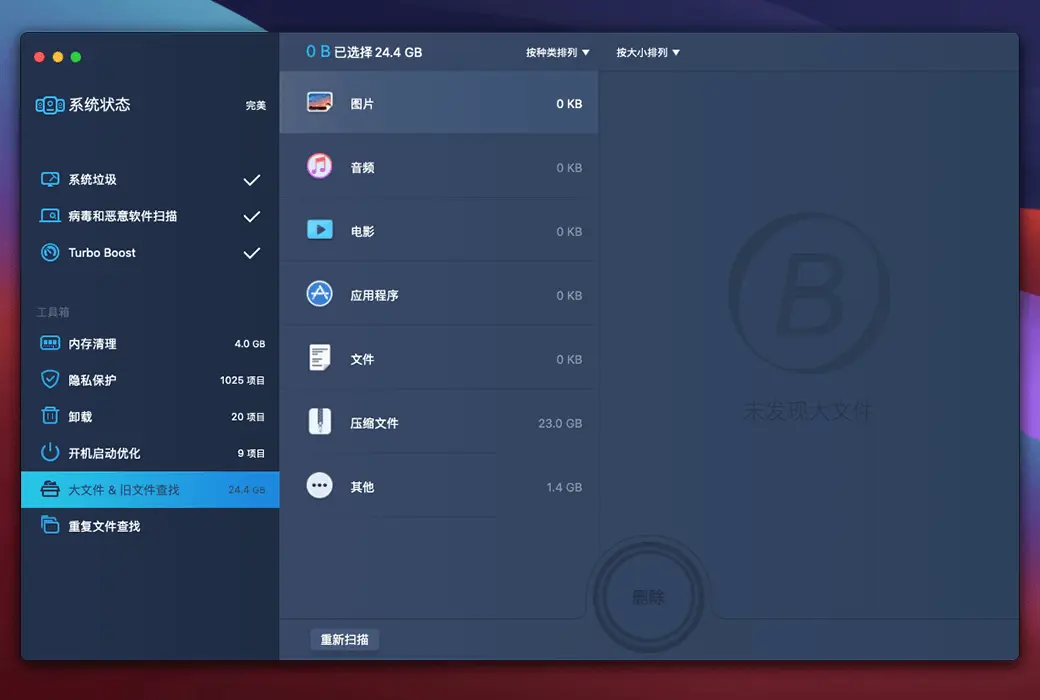
The large and old files occupy a huge amount of space on the Mac hard drive. Within seconds, MacBooster can easily locate and delete them.
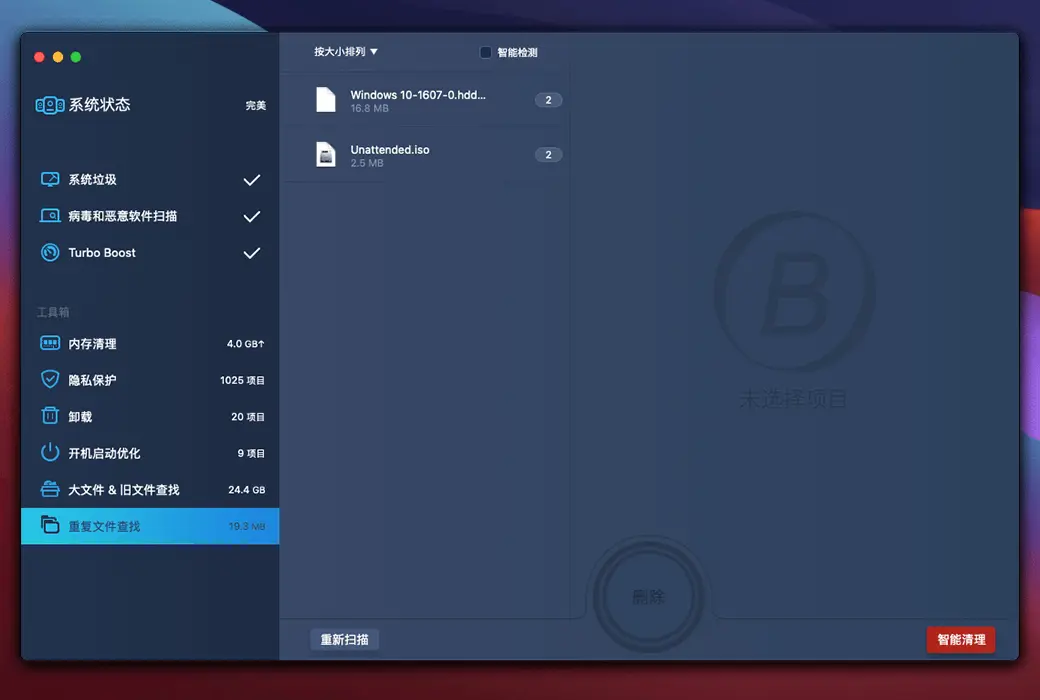
It is easy to generate copied files on Mac. Why waste space to preserve them? MacBooster finds them and intelligently clears duplicates.
Why is your Mac getting slower and slower?
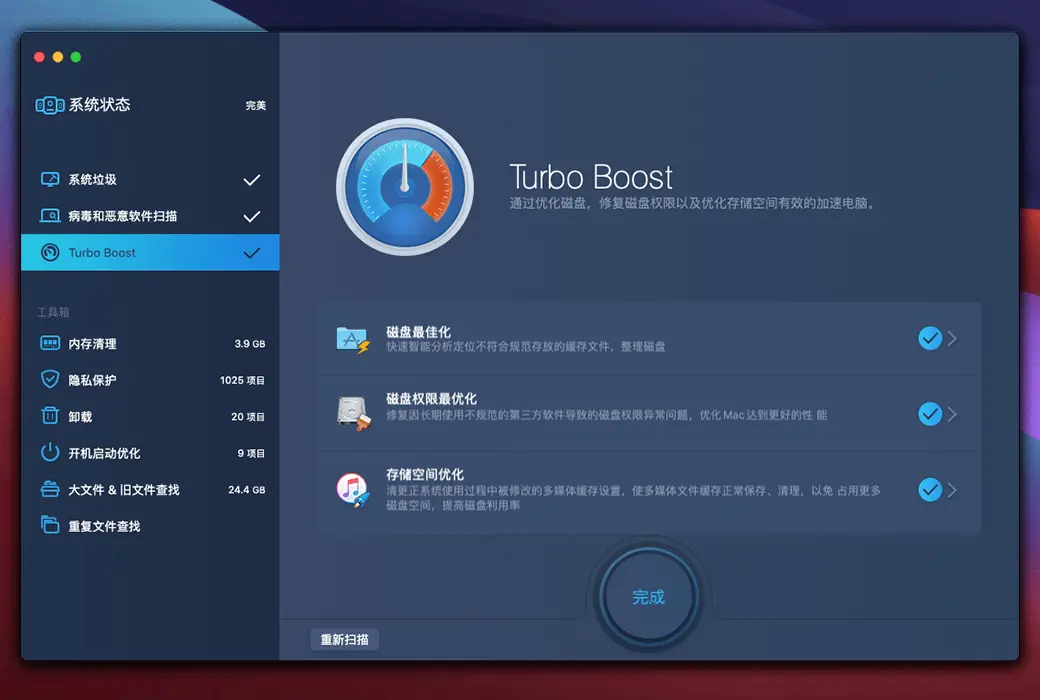
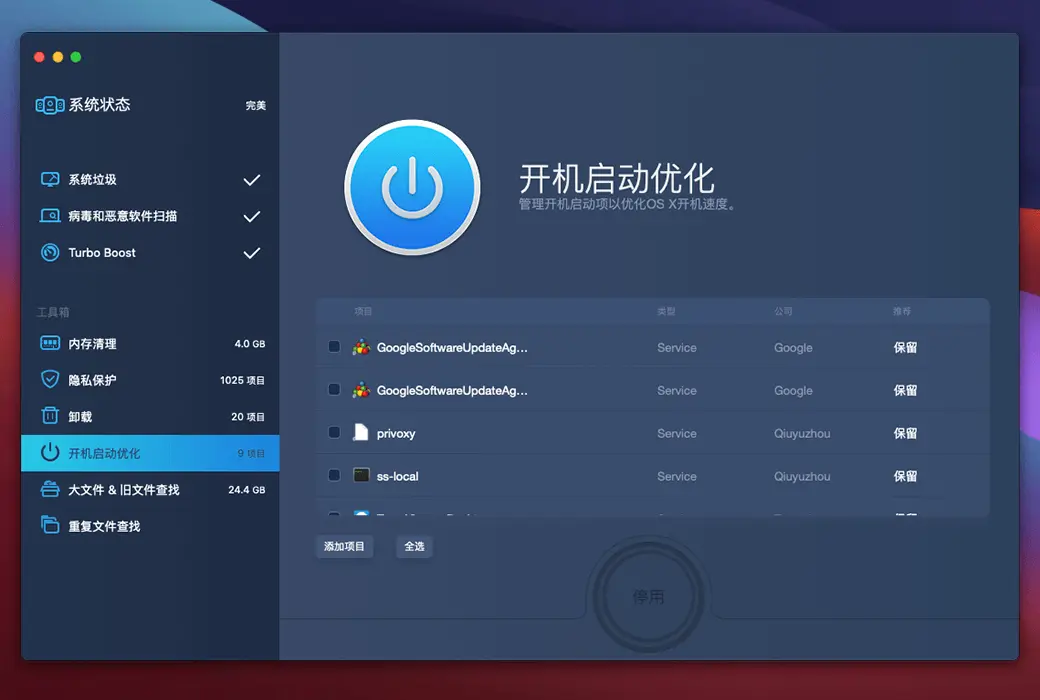
Mac disk permission issues, high Mac RAM consumption, and login startup projects are the main culprits causing slow Mac speeds. MacBooster can technically solve these problems and elevate your Mac to optimal performance.
If your Mac disk permissions have been changed, whether you or a third-party application, your Mac will be slowly dragged. In addition, cache generated by third-party applications (especially iTunes and media apps) will take up a significant amount of space on your disk. MacBooster can fix disk permission issues and optimize disk storage, elevating Mac to its optimal performance.
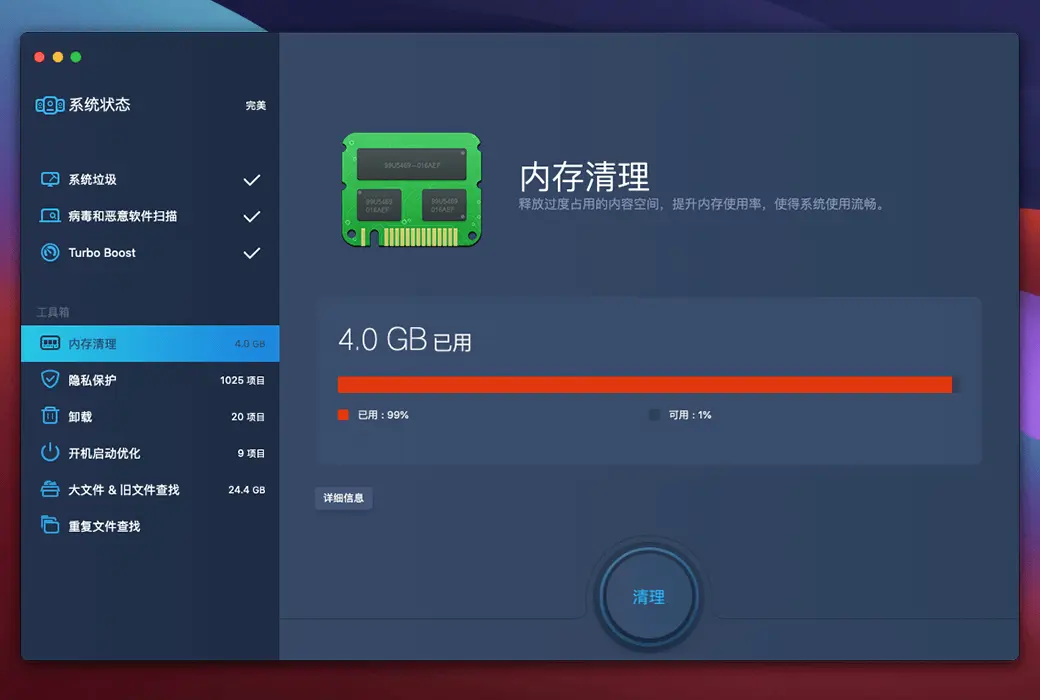
As more content falls behind and RAM becomes cluttered, Mac is slowly slowing down. By using MacBooster, you can identify which apps are the primary consumers. It can help you optimize or even close these memory consuming applications, and free up inactive memory, thereby speeding up the running speed of your Mac.
If your Mac disk permissions have been changed, whether you or a third-party application, your Mac will be slowly dragged. In addition, cache generated by third-party applications (especially iTunes and media apps) will take up a significant amount of space on your disk. MacBooster can fix disk permission issues and optimize disk storage, elevating Mac to its optimal performance.
Internet security should always be our concern.
Hackers attack any operating system, whether macOS or Windows. There are so many adware, malware, spyware and viruses all over the Internet. They are created to steal your information or simply disrupt your system. MacBooster provides real-time protection for your Mac, keeping it away from various online threats.
MacBooster provides a complete scan of macOS and eliminates any viruses or threats on Mac. Any spyware or attacks will be blocked by MacBooster's real-time protection.
Once you receive malicious software on your Mac, you may find that your search engine has been altered, pop-up windows, and malicious files appear. MacBooster can always locate and remove these adware and malware.
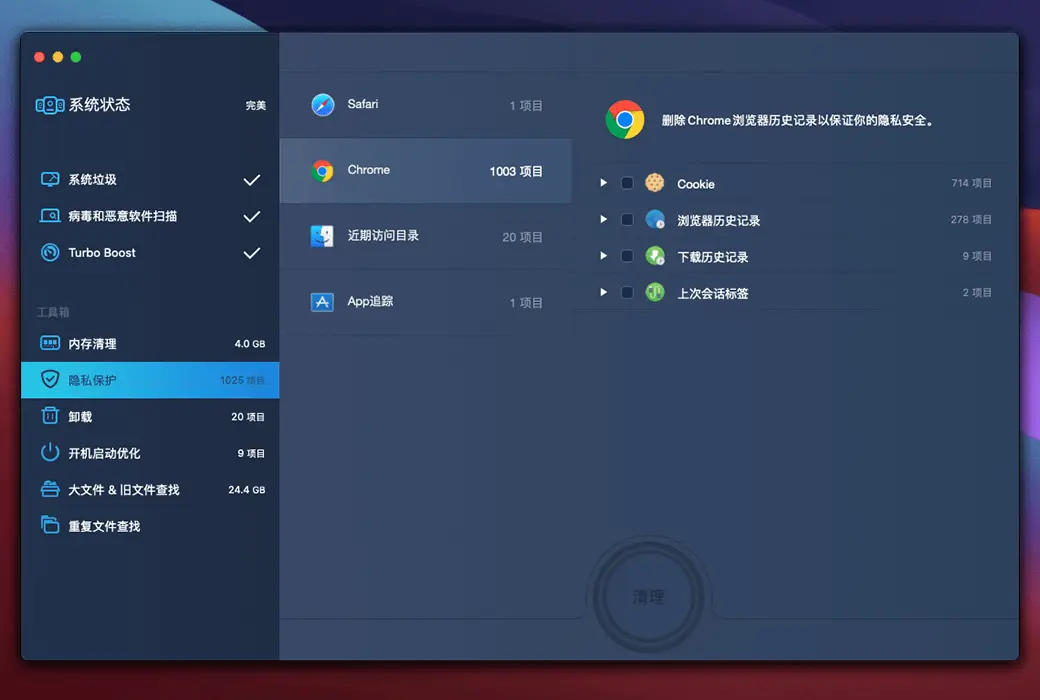
Malicious cookies in browsers or insecure applications may track or even leak your personal information. MacBooster has always protected your privacy. Let you enjoy a safer and cleaner browsing experience.
Official Website:https://www.macbooster.net/
Download Center:https://macbooster.apsgo.cn
Delivery Time: Automatic delivery within 24 hours
Operating Platform: macOS
Interface Language: Supports Chinese interface display, with multiple languages available.
Update Instructions: Permanent use, with free updates for sub-versions (v8.x).
Trial Before Purchase: Free trial with some features restricted.
How to Receive the Product: After purchase, the activation information will be sent to the email address used for the order. You can also view the corresponding product activation code in your personal center, under "My Orders".
Number of Devices: Can be installed on 1 computer.
Changing Computers: Uninstall on the old computer and activate on the new one.
Activation Guide: Click the "MacBooster > Register" button in the menu bar, then copy and paste the activation code to activate.
Special Instructions: To be added.
References:https://www.macbooster.net/

Any question